↓ Skip to main content

PowerShell

Onboarding VDC Vault Customers End to End with PowerShell and the VSPC API

Onboarding VDC Vault Customers End to End with PowerShell and the VSPC API

·2556 words·13 mins
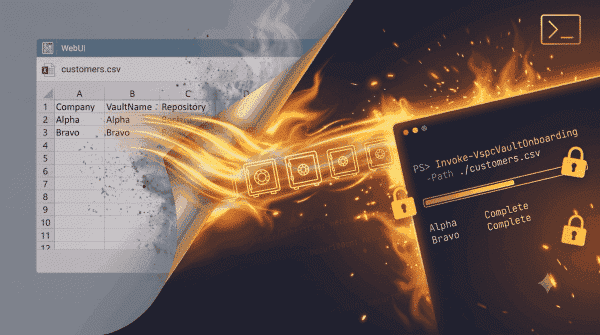
Parts 1 and 2 worked out the 11 VSPC API calls it takes to get a customer from a company record to a Vault repository in VBR. Part 3 turns them into a set of PowerShell functions you can use one at a time, and a wrapper that onboards a whole CSV of customers and is safe to rerun.

Automating Veeam Defender Exclusions

Automating Veeam Defender Exclusions

·1035 words·5 mins
Manual antivirus exclusions for Veeam infrastructure are tedious and error-prone. This PowerShell script automates the process with role-based detection, PostgreSQL awareness, and idempotent execution.
Veeam Quick Backup with PowerShell

Veeam Quick Backup with PowerShell

·848 words·4 mins
Need a quick backup before patching or making changes? Veeam Quick Backup creates ad-hoc, application-aware backups of individual VMs. Here’s how to use it with PowerShell. It’s just two commands!

Testing DFS Replication with Powershell

·780 words·4 mins
Monitoring DFS-R can be difficult. This PowerShell script creates a test file, waits for it to replicate to partner servers, and reports success or failure, with dynamic discovery of replication groups and folders.

Updating your AzureStack? Make sure you don't miss any steps!

·318 words·2 mins
Finding all the right AzureStack hotfixes between updates requires reading multiple release notes. Find-AzSAvailableUpdate simplifies this by showing all updates needed for your version, including prerequisites.

Adding WhatIf and Confirm Parameters to your Powershell

·939 words·5 mins
Want users to preview changes before your PowerShell function makes them? Learn how to add -WhatIf and -Confirm support using SupportsShouldProcess and ShouldProcess() blocks with practical examples.

Get a pretty view of your S2D Storage Pools

·733 words·4 mins
Ever wondered how much of your S2D Storage Pool is actually available? This PowerShell function shows total size, allocated space, Mirror/Parity available capacity, and reserved space, locally or across multiple clusters.